
RS485 field connection
Connect directly to industrial controllers and instruments over a stable, widely adopted physical bus.
QuickDesk ATU
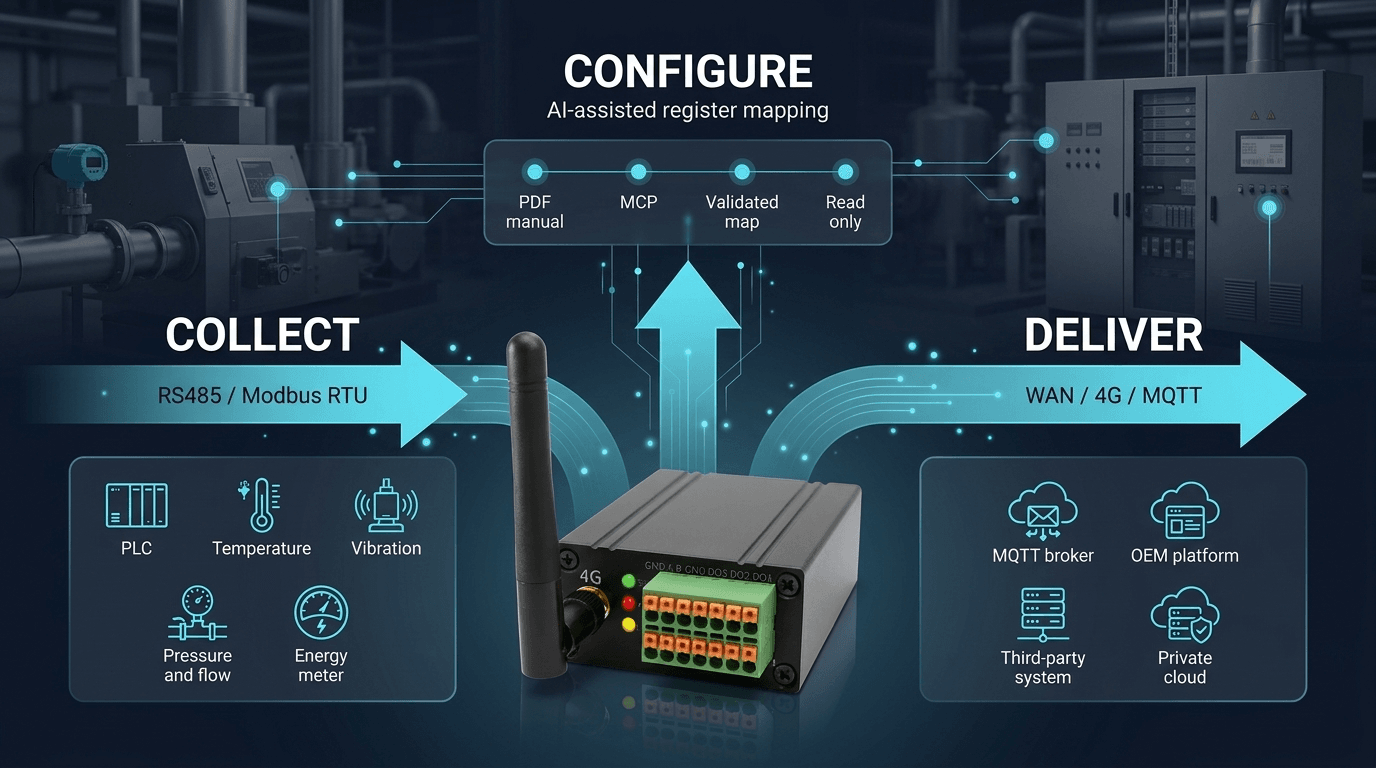
Turn Modbus manuals into validated, read-only acquisition settings—then deliver live equipment data over 4G / MQTT.
Connect with us on LinkedIn ↗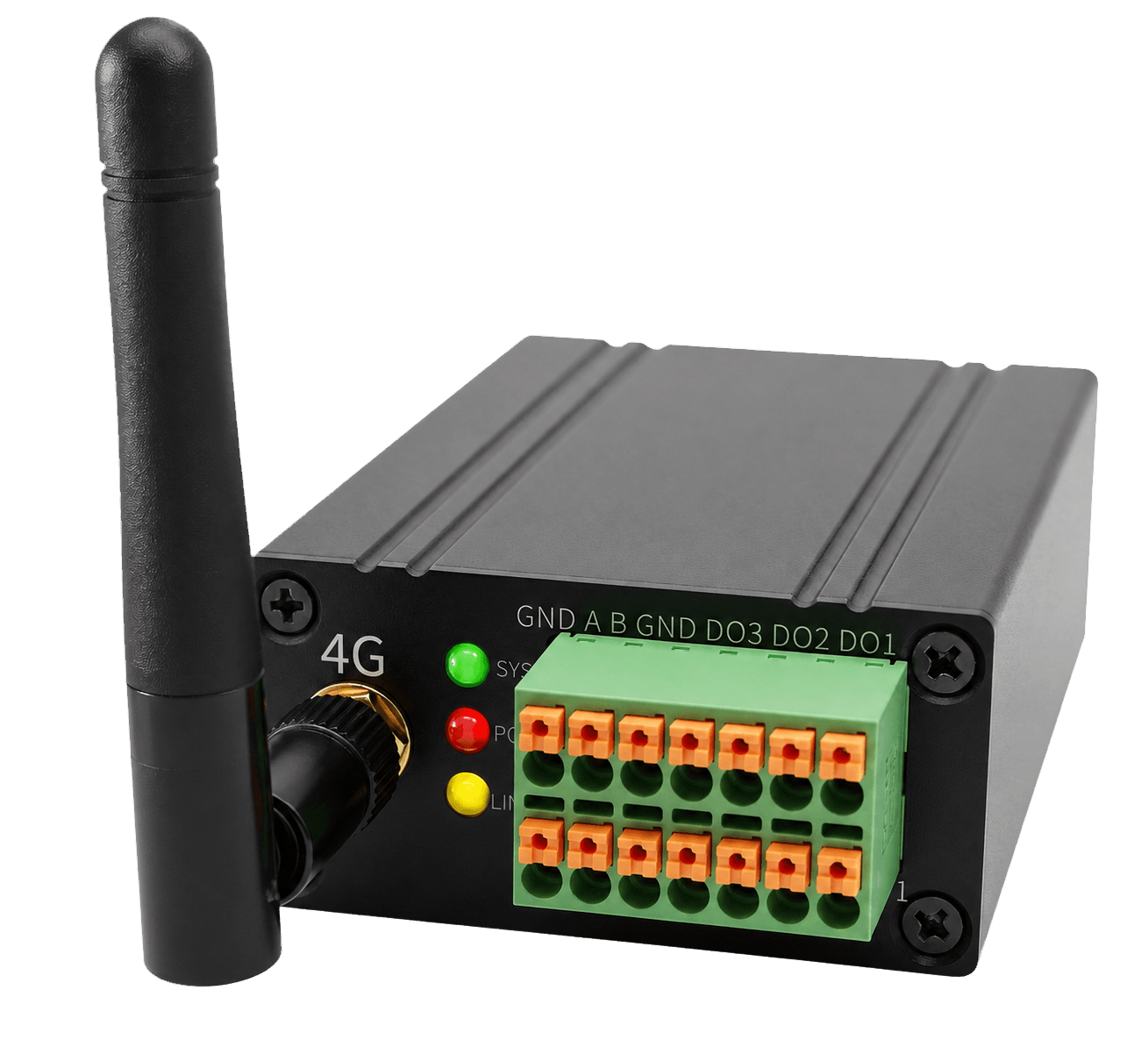
A direct path from industrial registers to usable machine data.
Connect directly to industrial controllers and instruments over a stable, widely adopted physical bus.
Poll standard registers without modifying PLC logic or interrupting the machine's existing control flow.
Give AI agents a structured way to read manuals, map registers and prepare validated acquisition settings.
Send live machine data to your own broker and platform, even when wired network access is unavailable.
ATU AI configurator
Describe your signals in plain language. AI turns them into a validated, read-only Modbus collection plan.
PDF upload and message field shown as a product preview.
ATU acquires sensor and equipment data over RS485, processes it at the edge, and delivers a clean continuous stream to your platform over 4G / MQTT.
From one machine to a distributed fleet, turn existing Modbus data into useful operations without rewriting the PLC.
Collect pressure, temperature, running hours and alarm registers from pumps, compressors or production equipment. Stream the readings to your own platform for dashboards, maintenance rules and exception alerts.
Read-only acquisition. Existing PLC logic remains unchanged.
Set DHCP or a fixed IP, gateway and DNS first. ATU then switches to MQTT configuration for the broker, client identity, reporting interval, topics and Modbus variable mapping—one continuous commissioning workflow.
For machines already in service, ATU can also be added through a read-only RS485 connection.
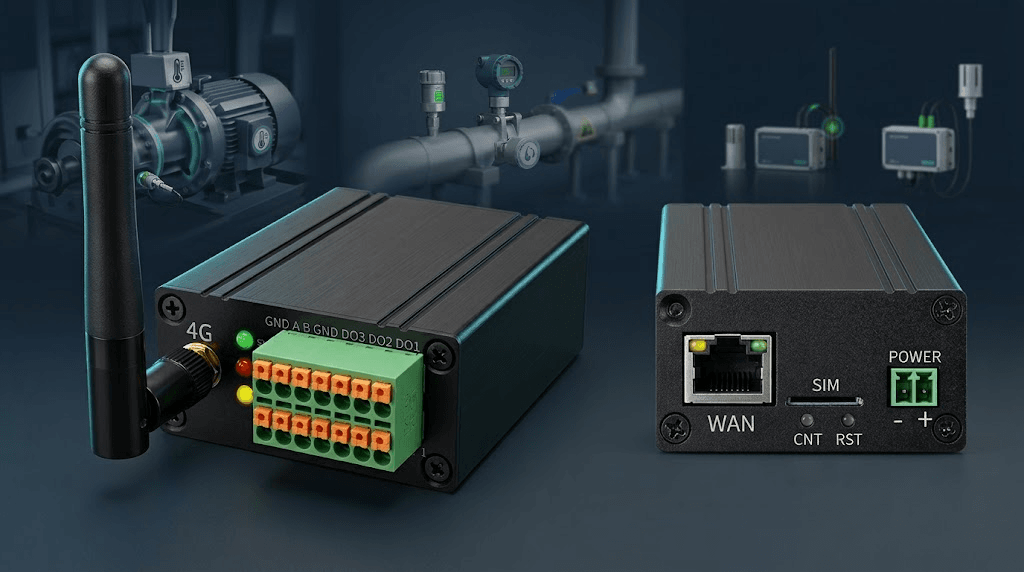
QuickDesk ATU is an industrial 4G data acquisition gateway with an embedded MCP service. It reads Modbus RTU instruments over serial connections and reports data over MQTT. AI Agents configure polling parameters and variables through MCP. ATU supplies data for energy management, equipment monitoring and MES applications.
Read voltage, current, power and cumulative energy variables defined in a Modbus RTU meter manual, then report them to a customer platform over MQTT. Check the register map, data types and serial settings first.
Collect Modbus RTU instrument and equipment data for production monitoring and dashboards. ATU handles collection and reporting. The customer or integrator supplies MES interfaces, business logic and an environment for AI-generated applications.
Reuse MCP configuration workflows across projects and configure a separate MQTT Broker for each factory. Remote access requires connectivity through a trusted network. Engineers should review polling points and reported results.
Connect with us to discuss where ATU fits into your machines, field sites and data platform.
Connect with us on LinkedIn ↗