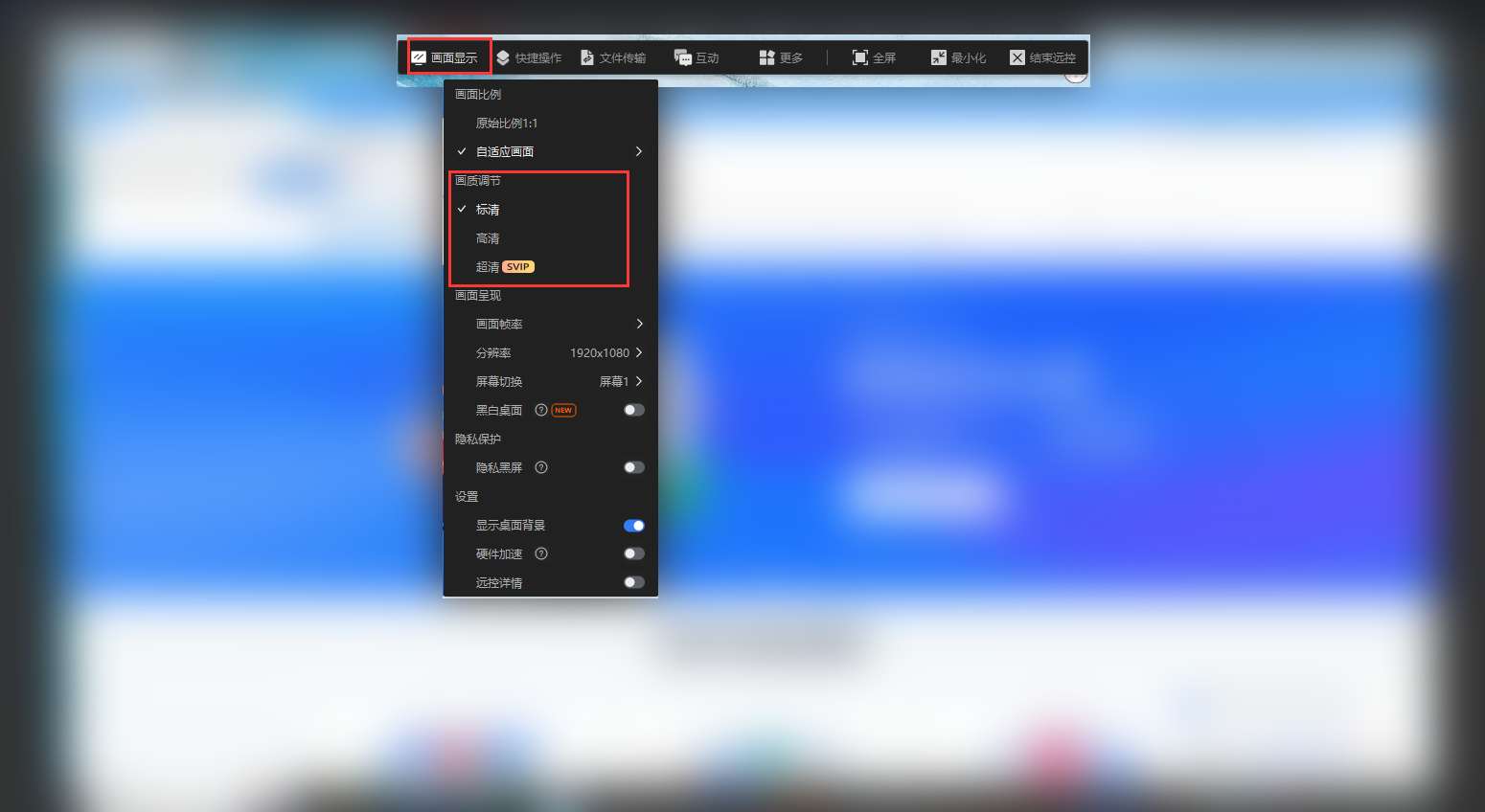
If the remote screen is blurry, click “Display” in the toolbar at the top of the remote window and set the image quality to “Standard Definition,” “High Definition,” or “Ultra-High Definition.”
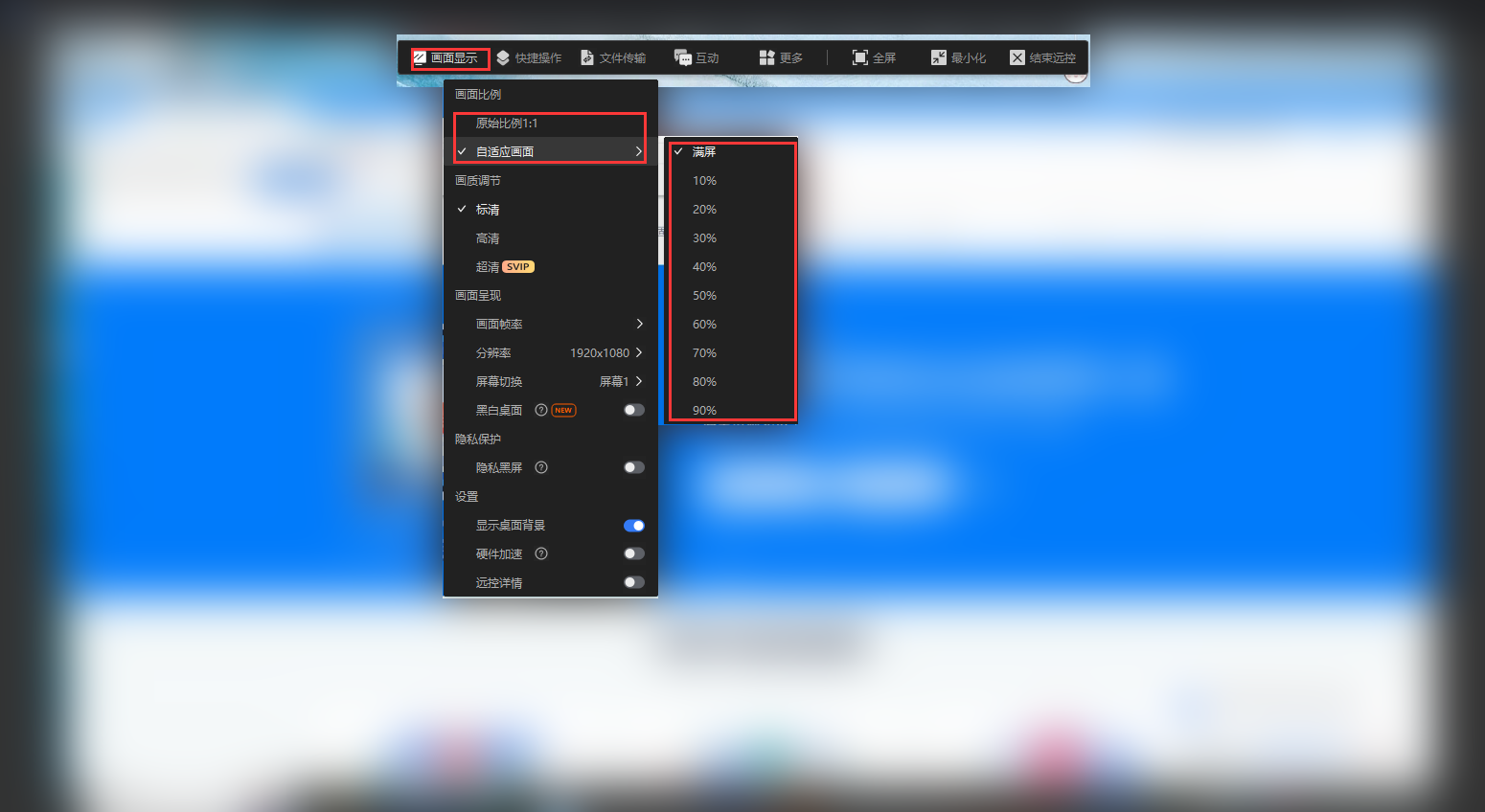
You can also adjust the screen aspect ratio under “Display,” for example, by showing the image at its original 1:1 ratio or choosing “Fit to Window.”