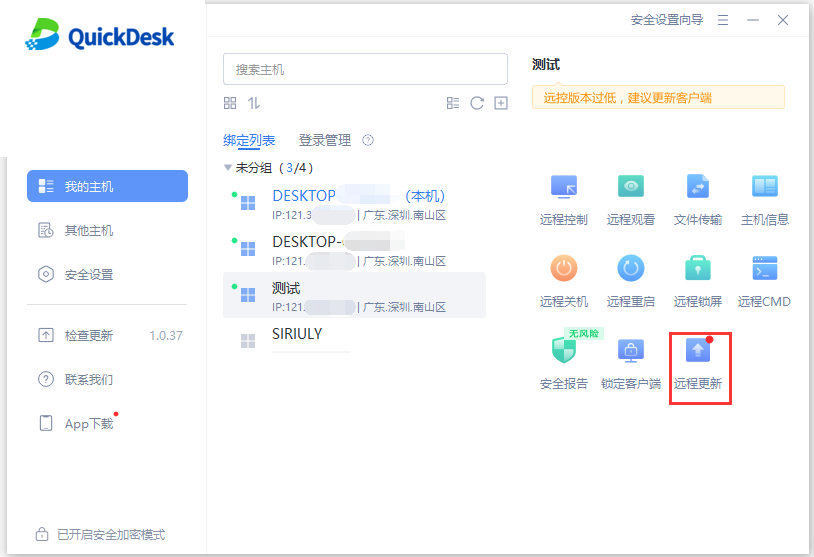
When QuickDesk releases a new version, computers in the list display an update notification. We recommend updating them promptly to avoid remote connection issues caused by an outdated version.
Open the My Computers list, select the computer you want to update, then choose “One-Click Update” in the function panel on the right to update QuickDesk on that computer remotely.