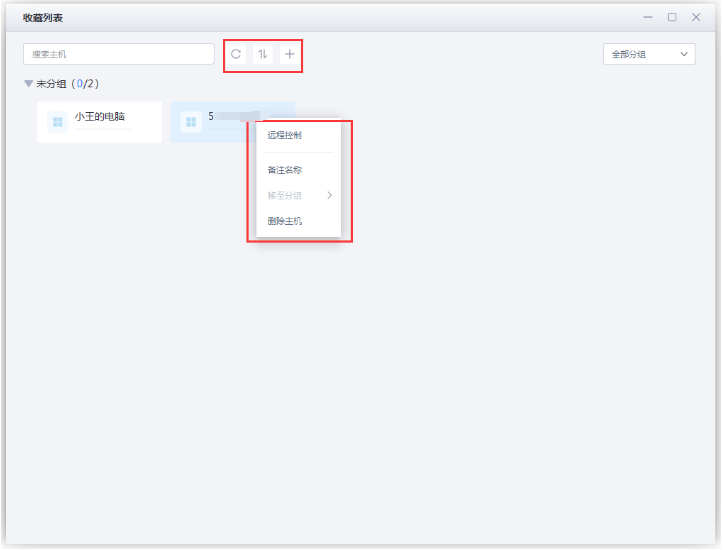
After saving another computer, you can start remote control directly the next time without entering its Connection Code and Connection Password again. There are two ways to save a remote computer.
Method 1: Save from remote-control history
On the Other Computers page, enter the Connection Code and Connection Password, then connect. After the connection succeeds, a remote-control history entry appears below.
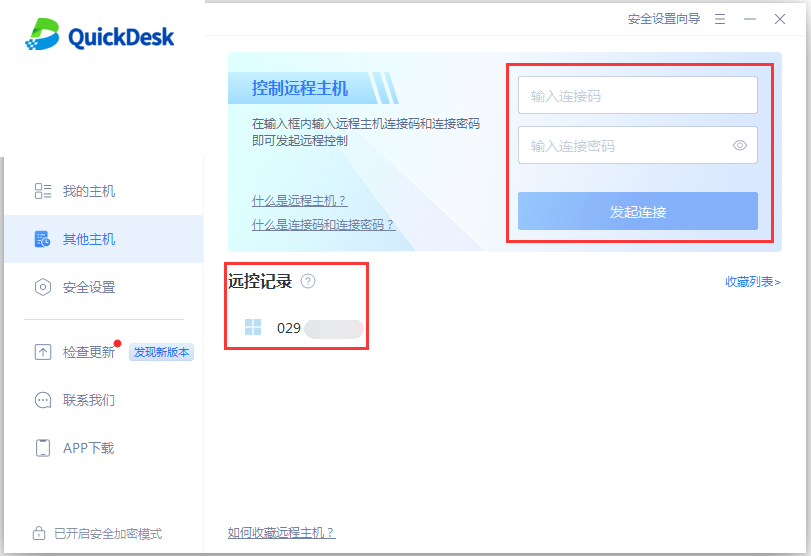
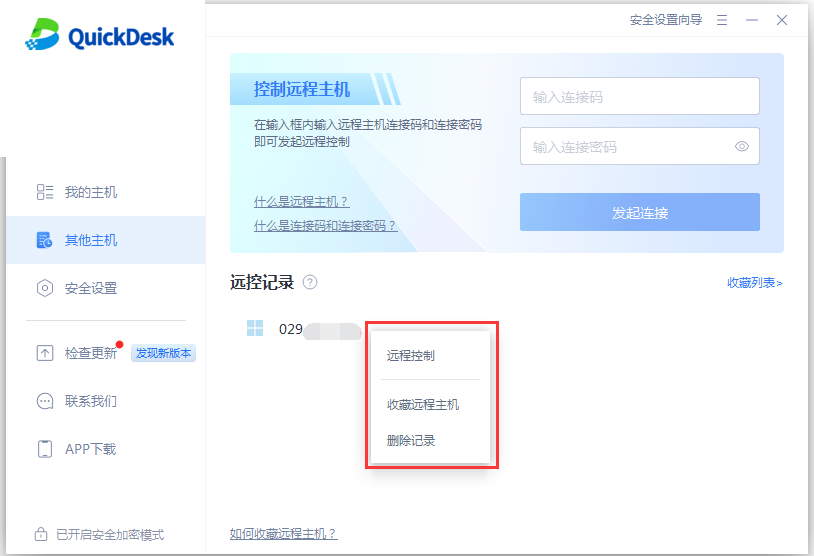
In the remote-control history, select the computer you want to save, right-click it, and choose “Save.”
Method 2: Add from the saved list
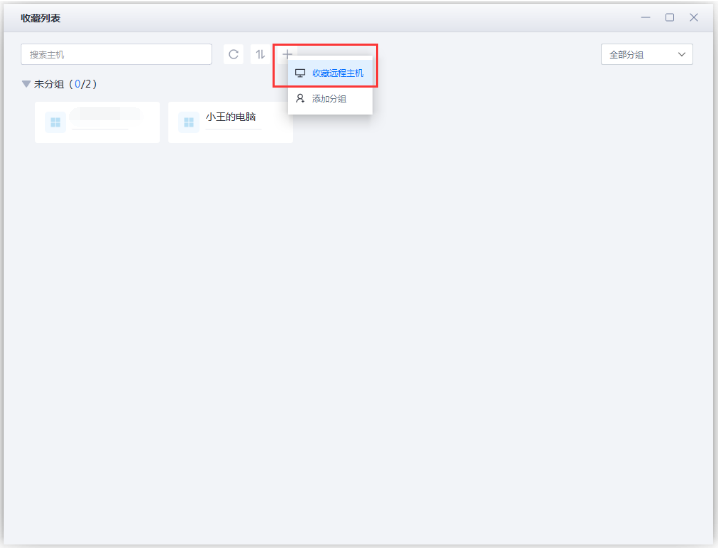
Open Other Computers and click “Saved List.”
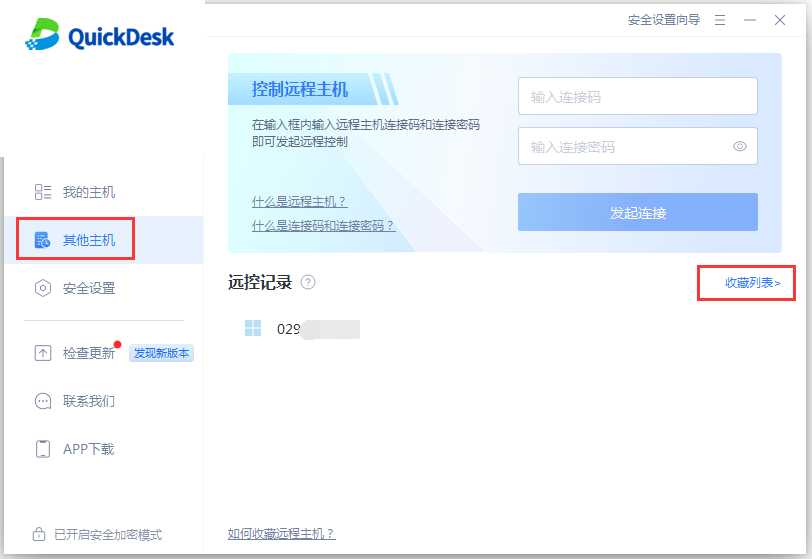
Click “+,” then select “Save Remote Computer.”
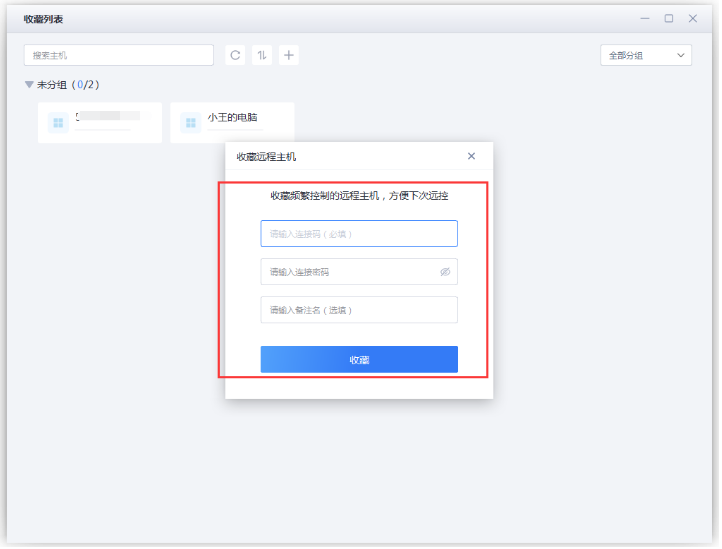
Enter the Connection Code, Connection Password, and a note, then click “Save.”
After saving the computer, you can edit its note, change its order, or delete it.