Simply put, a remote computer is the computer being controlled. Remote computers are divided into personal computers (My Computers) and non-personal computers (Other Computers).
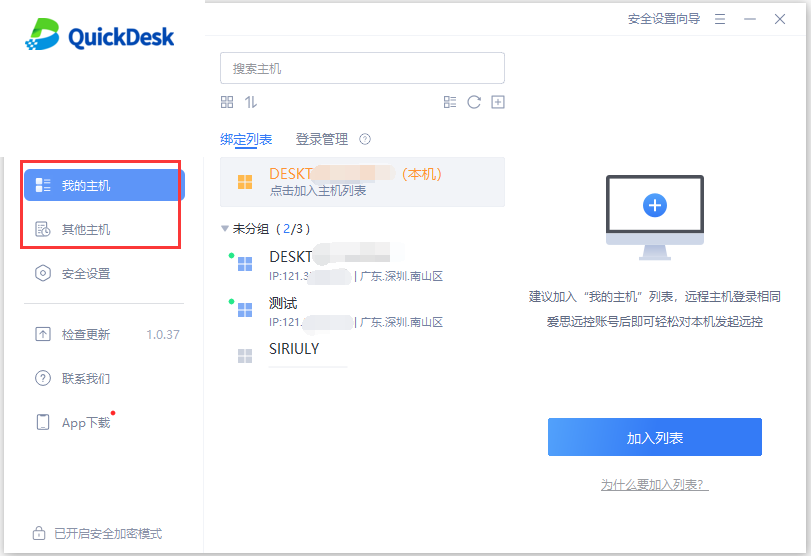
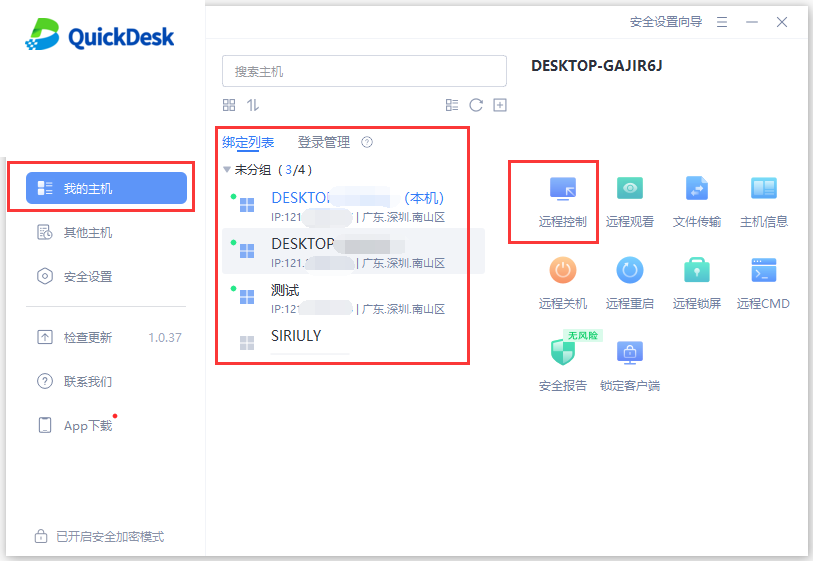
1. My Computers
After adding a personal computer to the Bound List, you can start remote control quickly. Computers in the list can be organized into groups, and you can use features such as remote control, remote viewing, and file transfer.
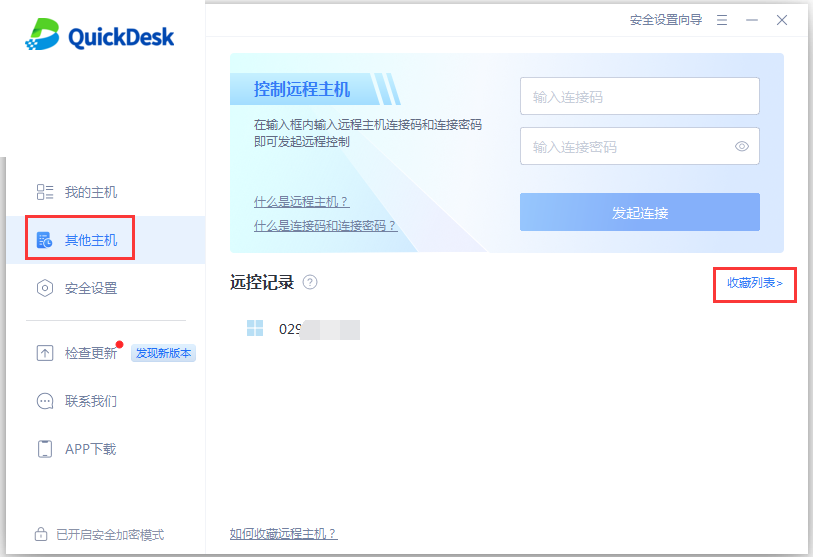
2. Other Computers
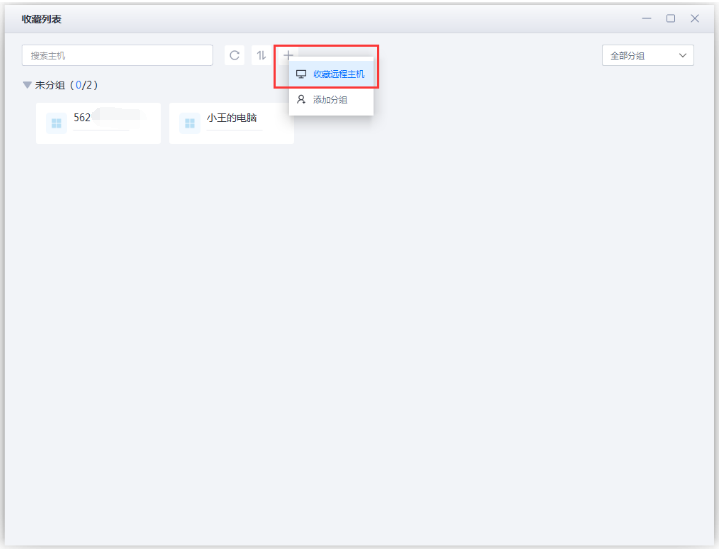
For non-personal computers, you can use the saved list to connect quickly. Open Other Computers and click “Saved List.”
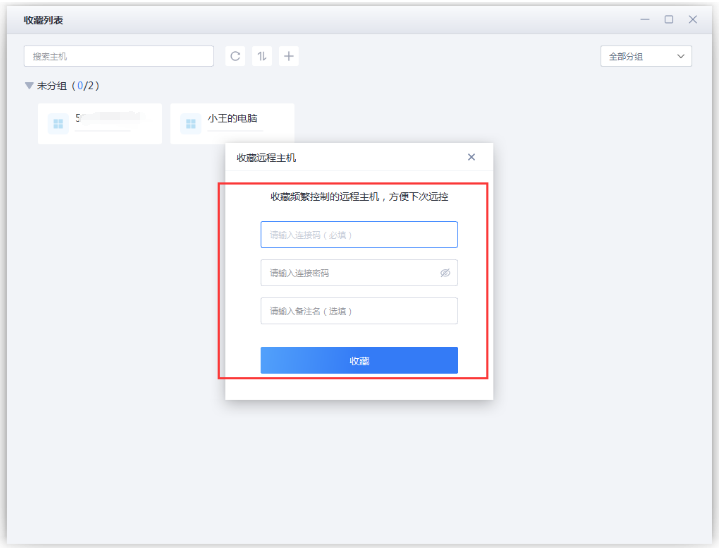
Click “+,” then select “Save Remote Computer.”
Enter the Connection Code and Connection Password, add a note, then click “Save.”