QuickDesk uses virtualization technology to create multiple Virtual Displays on the controlled computer. The combined number of physical and virtual displays (physical displays plus Virtual Displays) can be up to 3.
(Virtual Displays currently cannot be created on mobile devices. After creating them on a PC, you can use a mobile device as the controlling device.)
Steps:
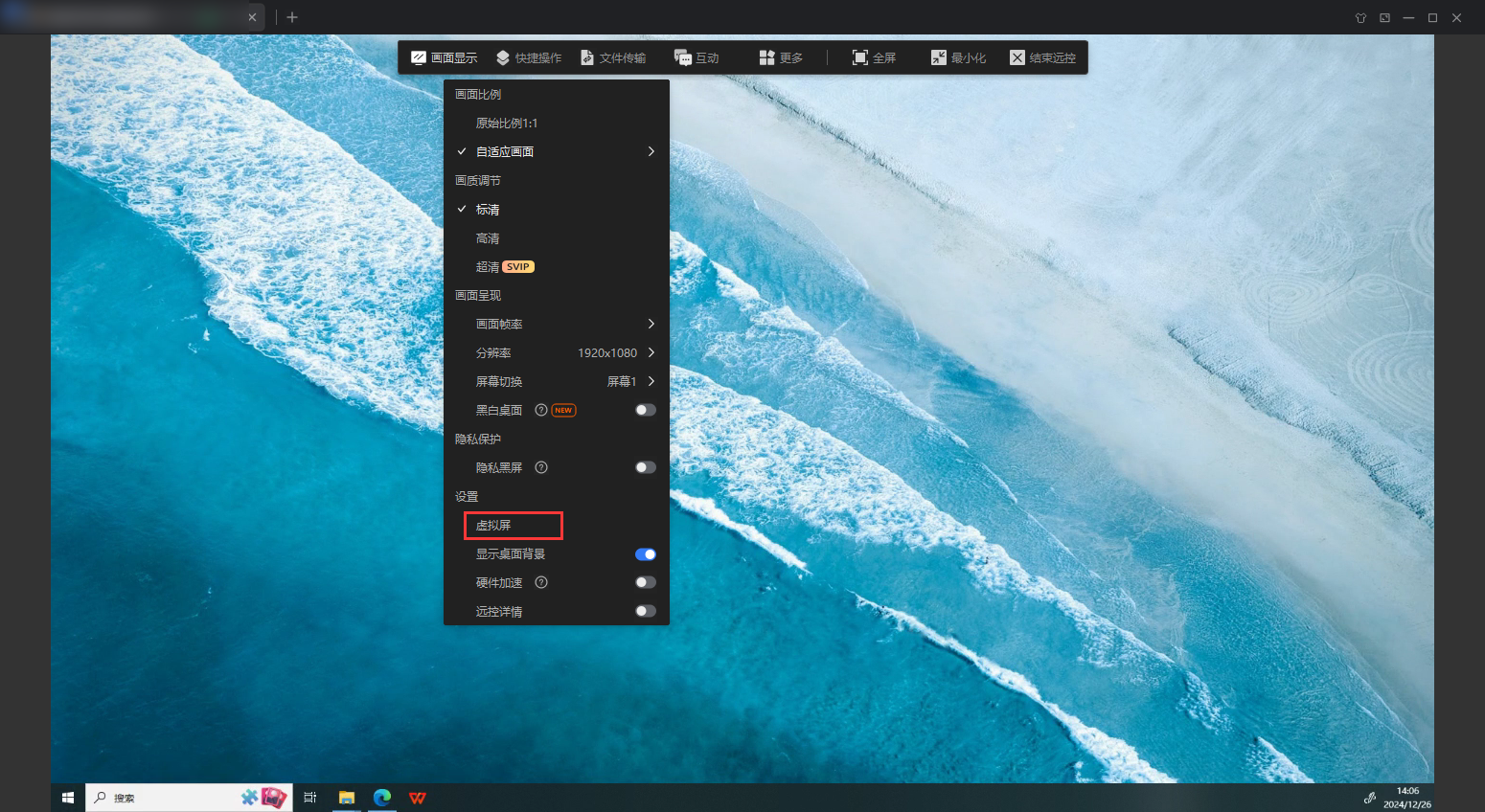
1. After starting a remote connection, open “Virtual Display” under “Display” in the remote connection window.
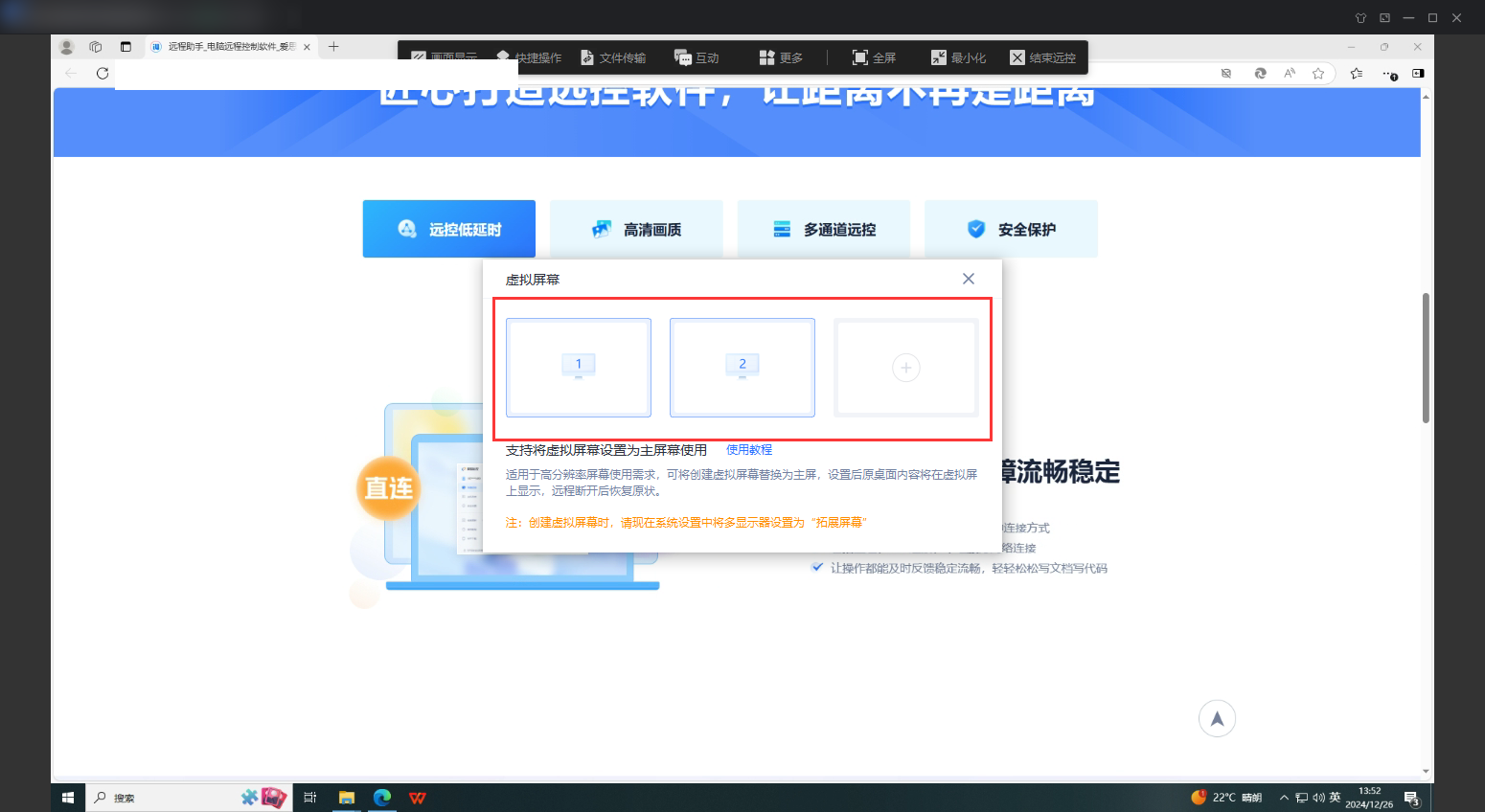
2. In the Virtual Display menu, create the number of virtual displays you need, up to the limit of 3 physical and virtual displays combined. After creation, you can switch between them using “Switch Screen” under “Display.” You can also change a Virtual Display’s resolution and adjust other settings.
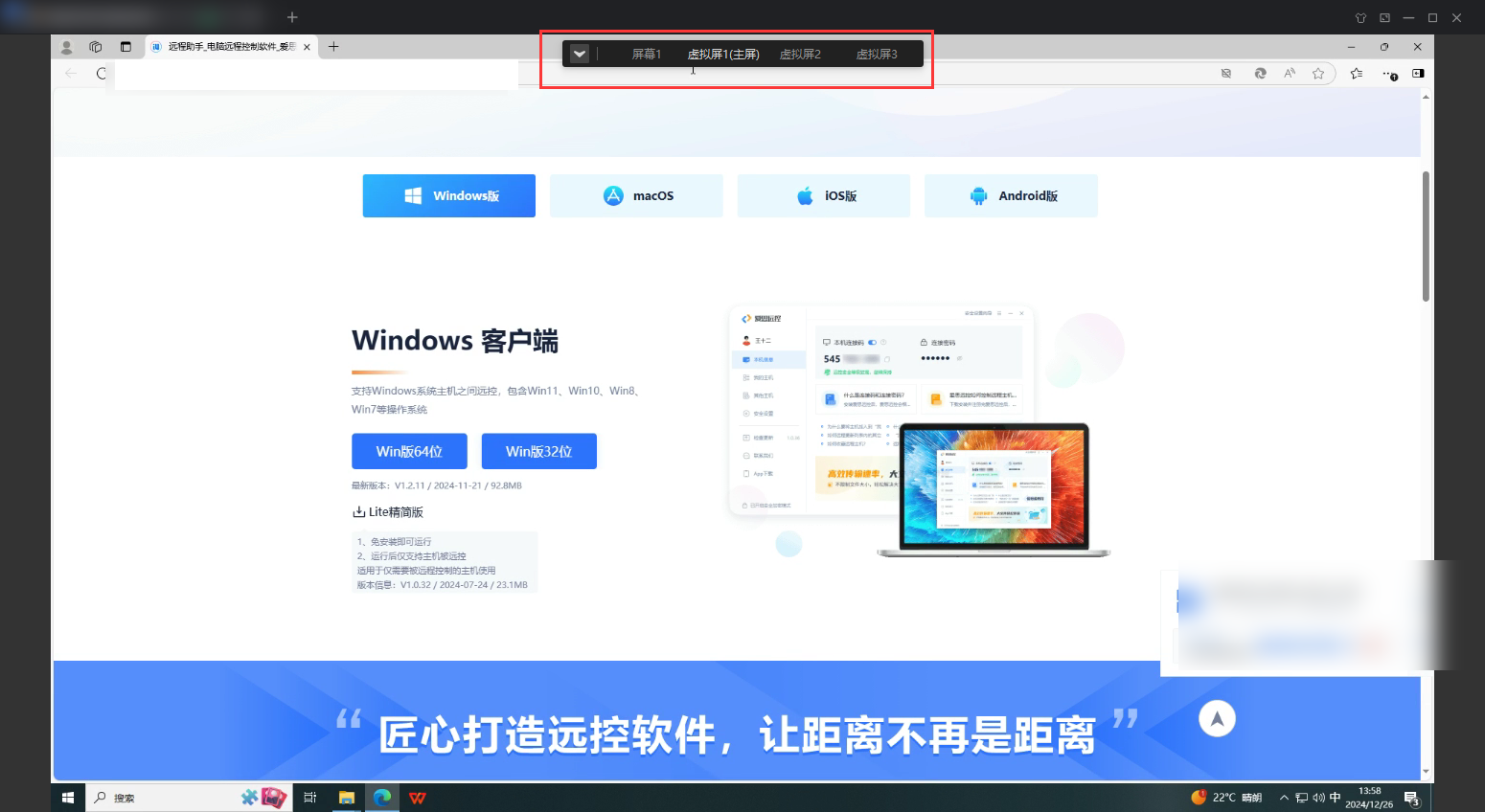
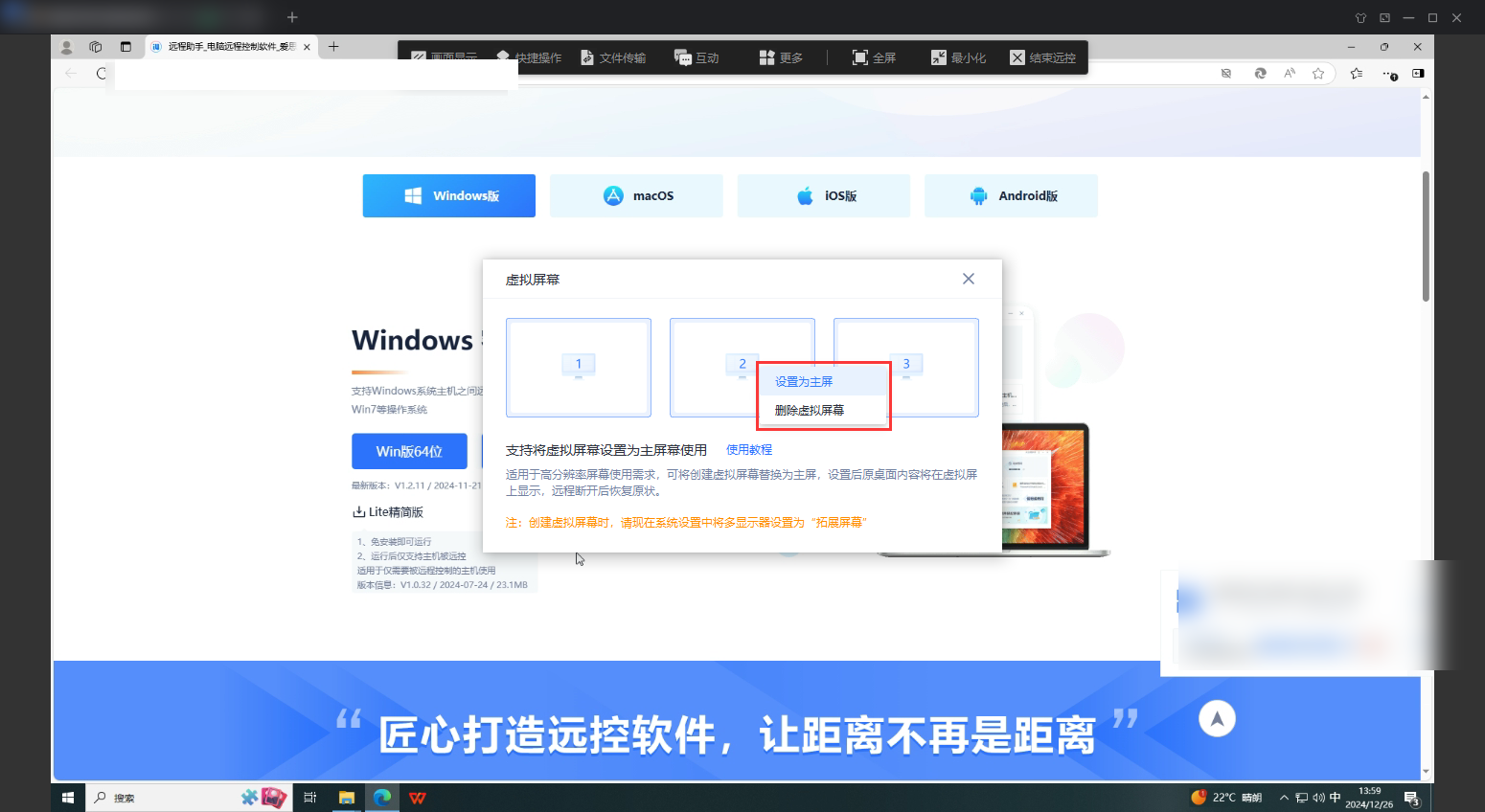
3. Select the Virtual Display currently in use to set it as the primary display or delete it.