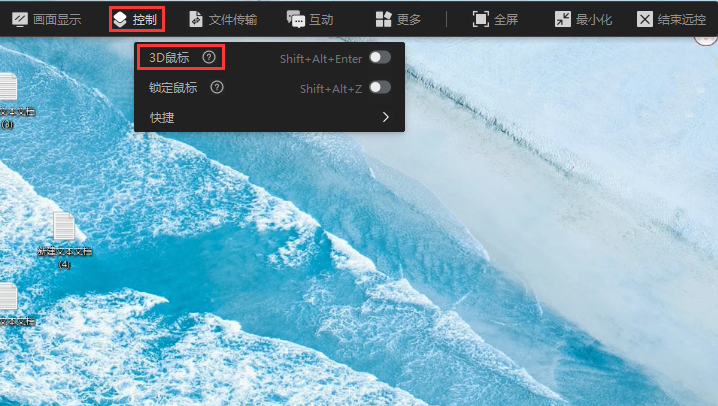
QuickDesk has added the 3D Mouse peripheral feature.
After the remote connection is established, select “Control” in the toolbar, then choose “3D Mouse” from the drop-down list. 3D Mouse is designed for remote 3D-view software and 3D games. It lets you control the 3D rotation view on the remote computer. If view switching does not work properly in 3D design software or a 3D game, enable 3D Mouse to use it as expected.
(After manually enabling 3D Mouse, press Ctrl+Shift+Enter to turn it off.)