If you start a remote-control session in the QuickDesk client and enable “Remote Host Sound” from the remote-control menu, but cannot hear audio from the client computer, try the following steps:
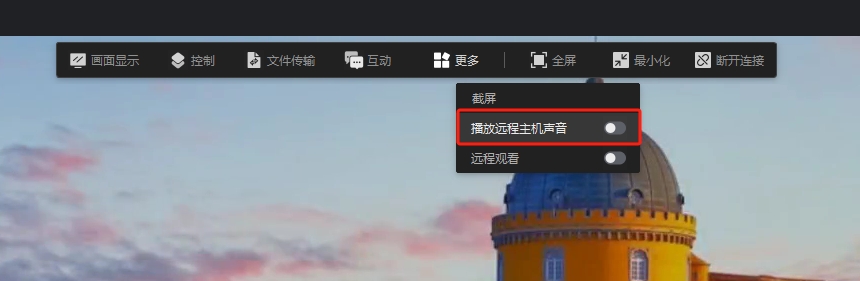
1. If there is no sound after enabling Remote Host Sound, check that the headphones or speakers are plugged into the audio jack securely.
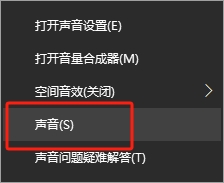
2. If the devices are connected properly, open “Sound” from the lower-right corner of the desktop.

3. Select “Playback,” choose the current “Speakers,” right-click “Speakers,” and open “Properties.” Under “Advanced,” change the Default Format to 16 bit, 48000 Hz (DVD Quality).
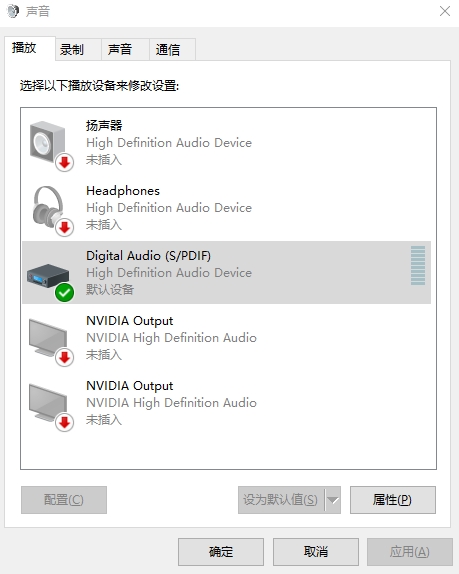
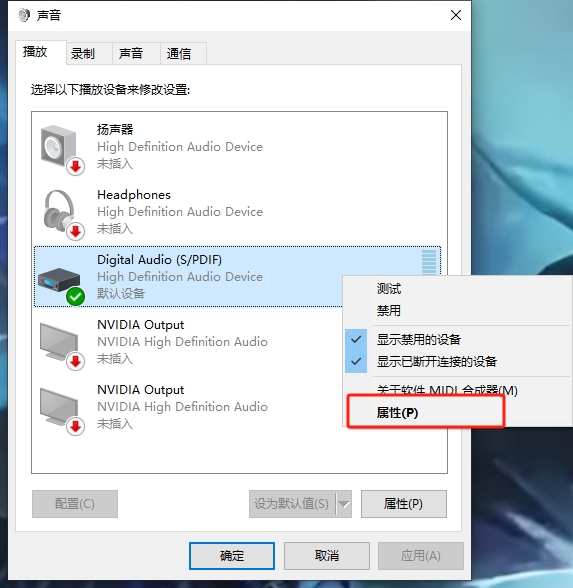
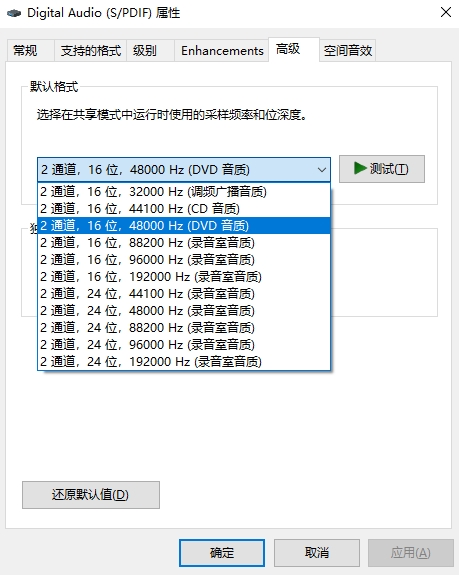
Note: Both the controlling computer and the computer being controlled must be set to 16 bit, 48000 Hz.