Remote Access Manufacturing Security

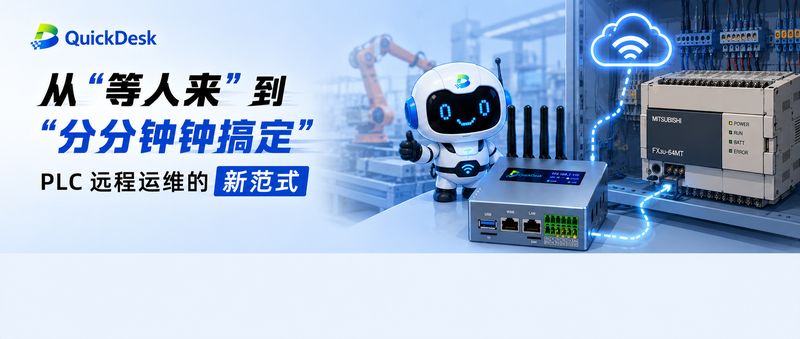
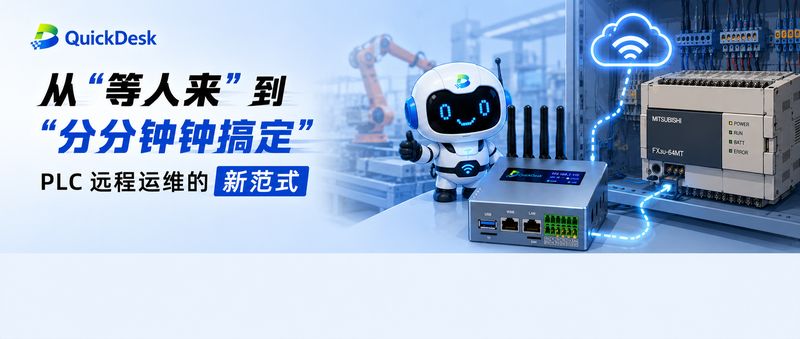
From 'Waiting for Someone' to 'Done in Minutes': The New Paradigm of PLC Remote Maintenance

From 'Waiting for Someone' to 'Done in Minutes': The New Paradigm of PLC Remote Maintenance
Summary: PLC engineers face ¥200,000+ annual travel bills, days of downtime on bricked PLCs, and VPN schemes that fail compliance. With serial + Ethernet modes compatible with Siemens, Mitsubishi and other major brands, QuickDesk delivers minute-level PLC remote maintenance.

PLC remote maintenance

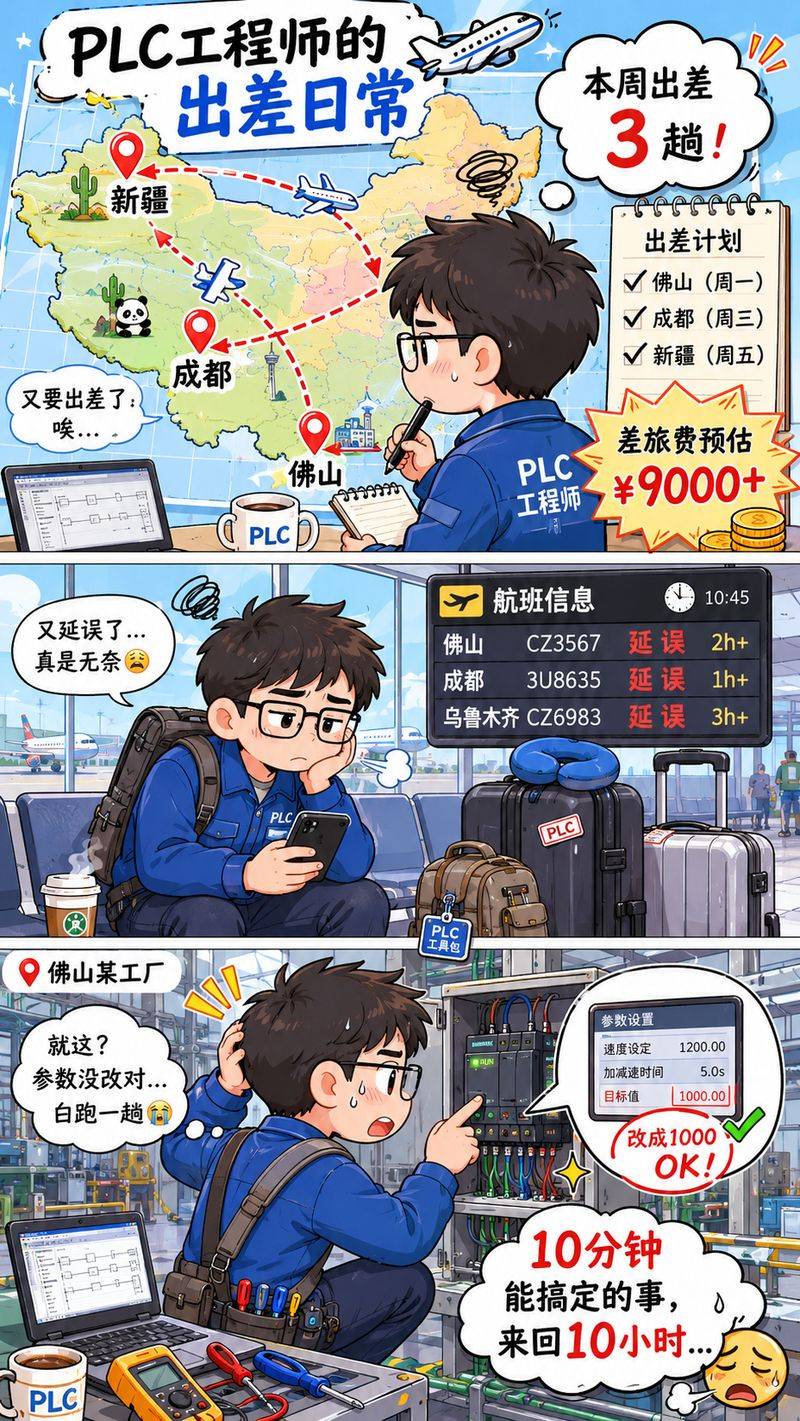
PLC engineer Lao Zhou is on the road again this week.

Tuning parameters in Foshan, updating programs in Chengdu, fixing a failed PLC in Xinjiang — every trip starts at five hours one way and costs at least ¥3,000. Over a year, travel expenses exceed ¥200,000.

What's more frustrating: once on site, the problem often turns out to be trivial — ten minutes of actual work after ten hours of travel.

"Why is it so hard to remotely access a PLC — the very brain of the production line?"

PLC engineer's dilemma


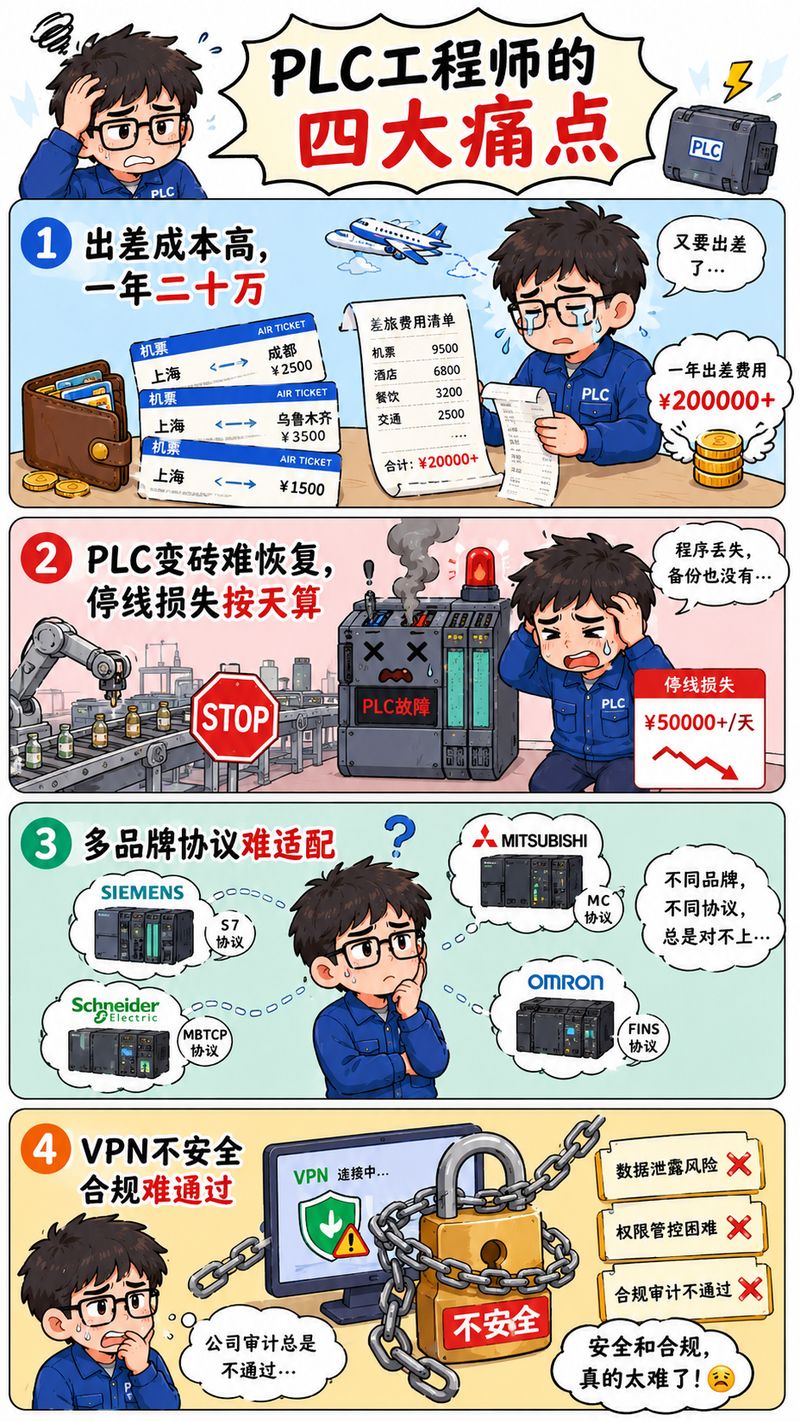
1. Four Pain Points of PLC Engineers

Lao Zhou's troubles are shared by every PLC engineer.

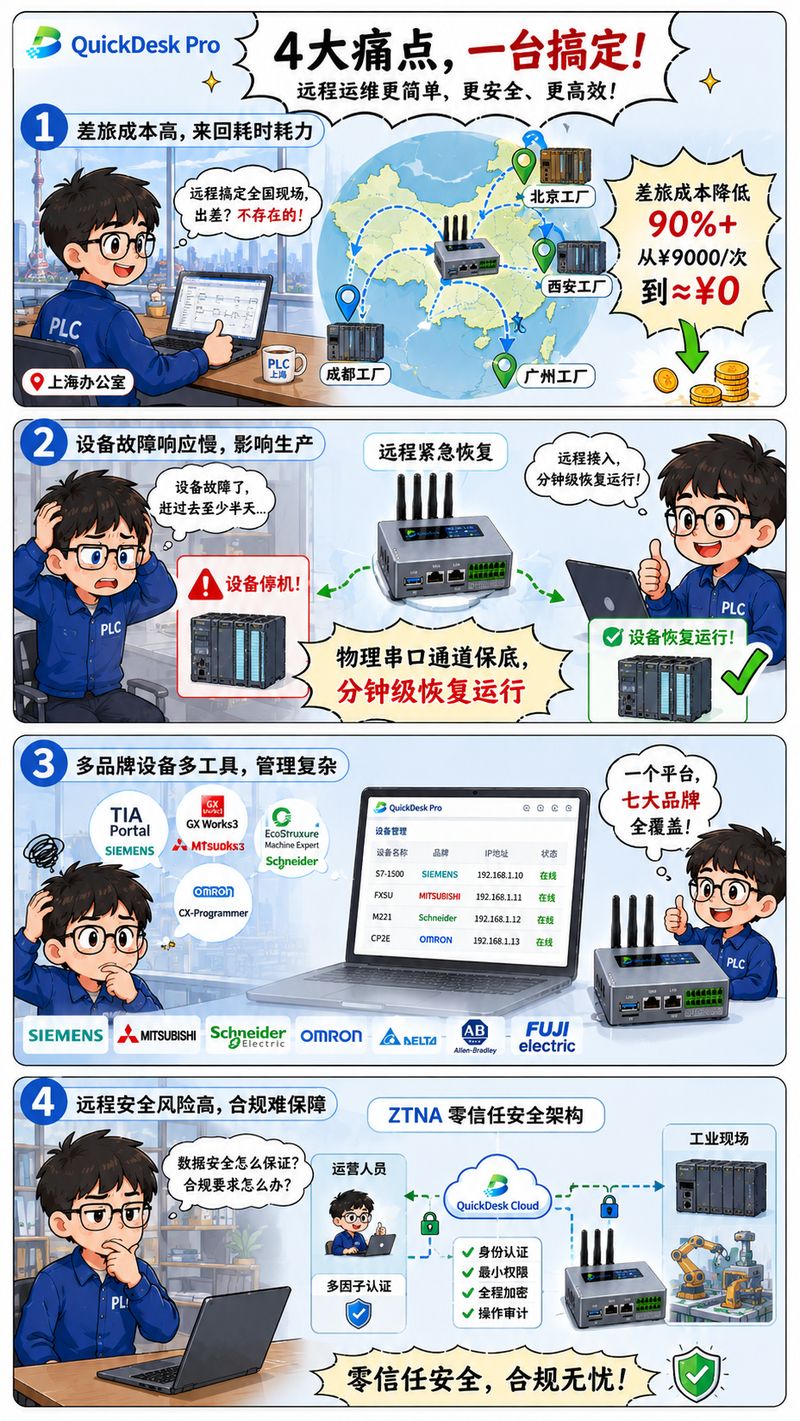
Pain point 1: High cost of cross-region travel ¥2,000–¥10,000 per trip, over ¥200,000 per year in travel expenses.

Pain point 2: Bricked PLCs are hard to revive A program error freezes the controller, the HMI goes black, the line stops. Waiting for an engineer takes one day at best, three to five at worst.

Worse, some machines must not stop — in pressure-vessel and chemical plants, a stalled reactor can lose control of temperature and pressure, risking explosion or leakage and serious accidents. Even for ordinary machines, restarting after a stop is painful, with losses measured in the millions.

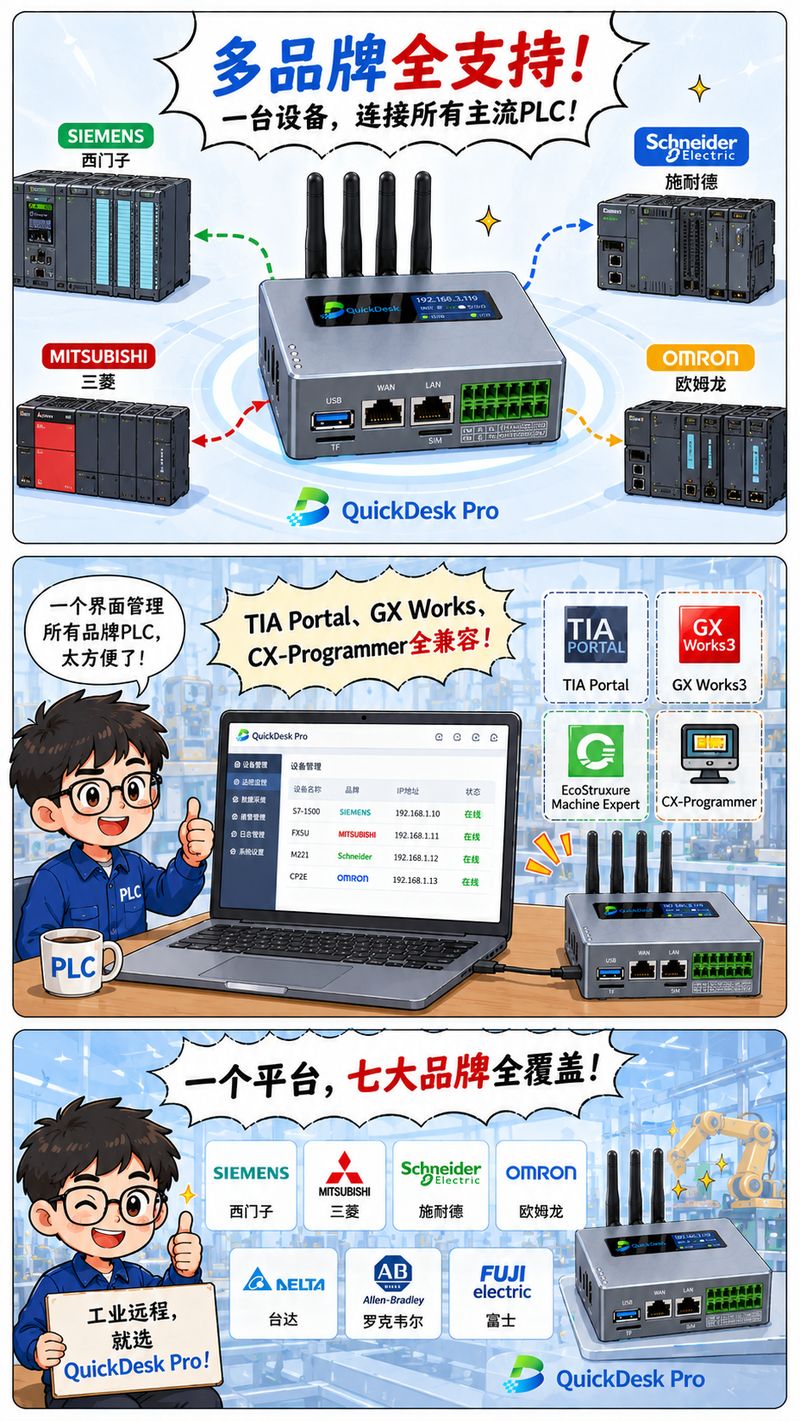
Pain point 3: Multi-brand protocols are hard to adapt Siemens S7, Mitsubishi MC, Schneider Modbus TCP… each brand needs its own dedicated software; management is complicated.

Pain point 4: VPNs are insecure and fail compliance Once inside the intranet, every PLC is reachable; data can leak; security audits don't pass.

Four challenges


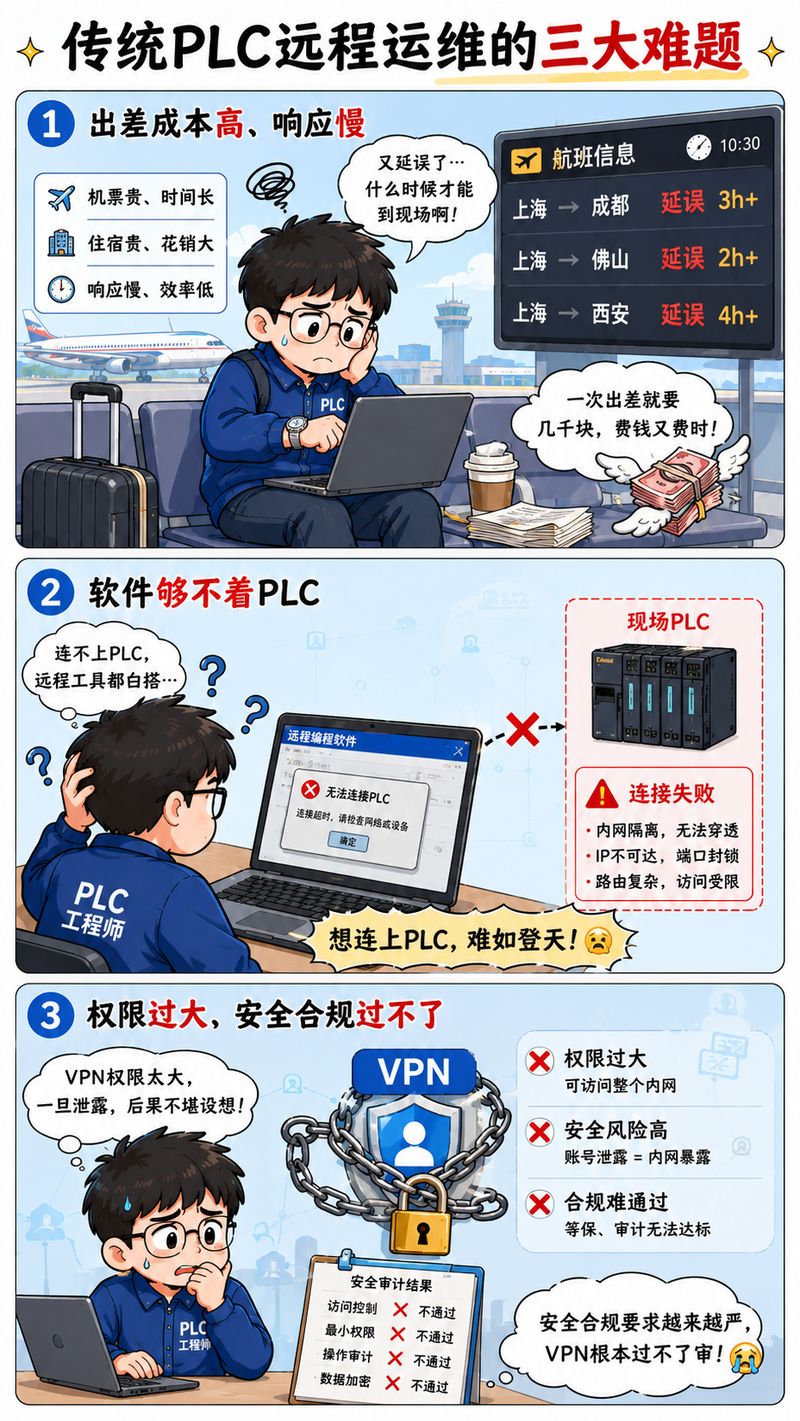
2. Three Problems with Traditional PLC Maintenance

Now that the pain points are clear, why can't traditional approaches solve them?

Problem 1: Sending people — expensive and slow

This is the most primitive approach. When equipment fails, an engineer must go in person.

Five hours one way, ¥3,000 a trip, ¥200,000 a year at minimum. Worse, the engineer arrives to find it was a parameter change — ten minutes of work.

A stopped production line doesn't wait for anyone.

Problem 2: Remote software can't reach a PLC

"Just use remote software," some say. But a PLC is not an ordinary computer. PLC programming software speaks industrial protocols — Siemens uses S7, Mitsubishi uses MC, Omron uses FINS. Ordinary remote software simply doesn't understand these dialects.

And when the PLC dies, the control network dies with it. Remote software can't even connect — let alone maintain.

Problem 3: VPNs are insecure and fail compliance

Use a VPN into the intranet? Even bigger problems.

A VPN inside the intranet can reach every PLC — far too much privilege. Data passing through VPN servers can leak, and security audits fail. Finance, healthcare, and manufacturing impose strict compliance on production data leaving the network; VPN schemes simply don't pass.

Three traditional problems

3. A New Way to Do PLC Remote Maintenance: QuickDesk

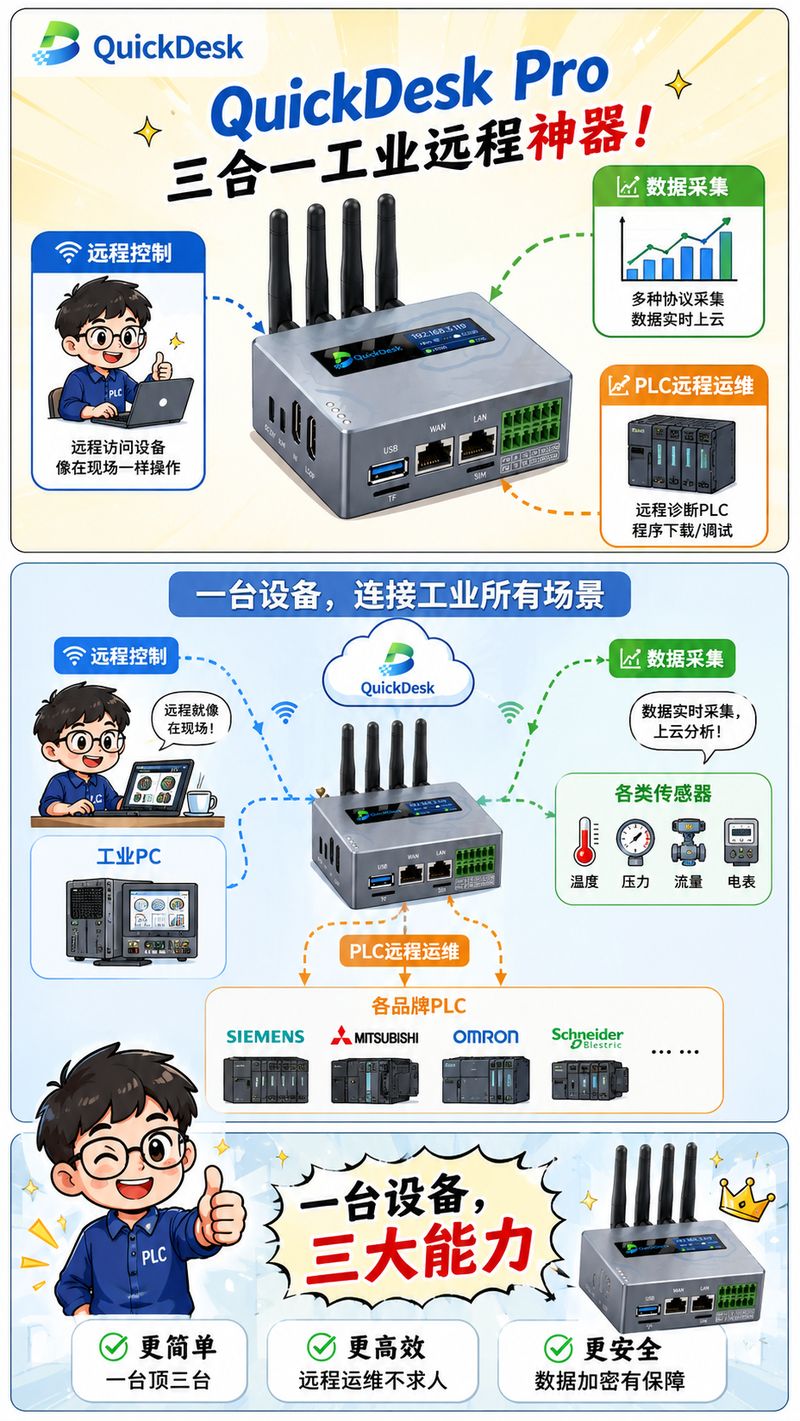
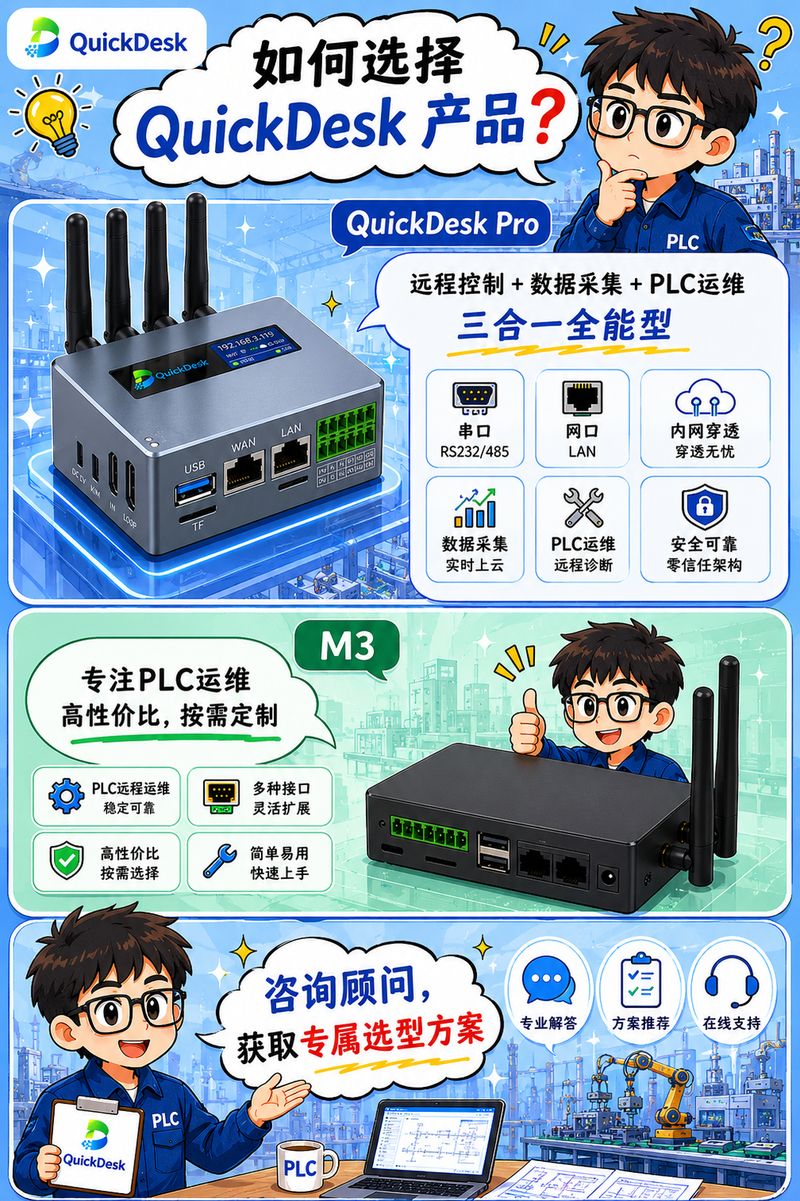
QuickDesk is the flagship edge-computing gateway from NETCENTER CLOUDLINK, integrating three core functions in one device:

  • Remote control — IP-KVM hardware-level remote control of industrial computers
  • Data acquisition — industrial device data collection and edge computing
  • PLC remote maintenance — virtual serial technology for remote PLC debugging and program upload/download

QuickDesk product


4. Core PLC Remote Maintenance Capabilities

QuickDesk supports two PLC remote maintenance modes, connecting different types of PLCs through different physical interfaces.

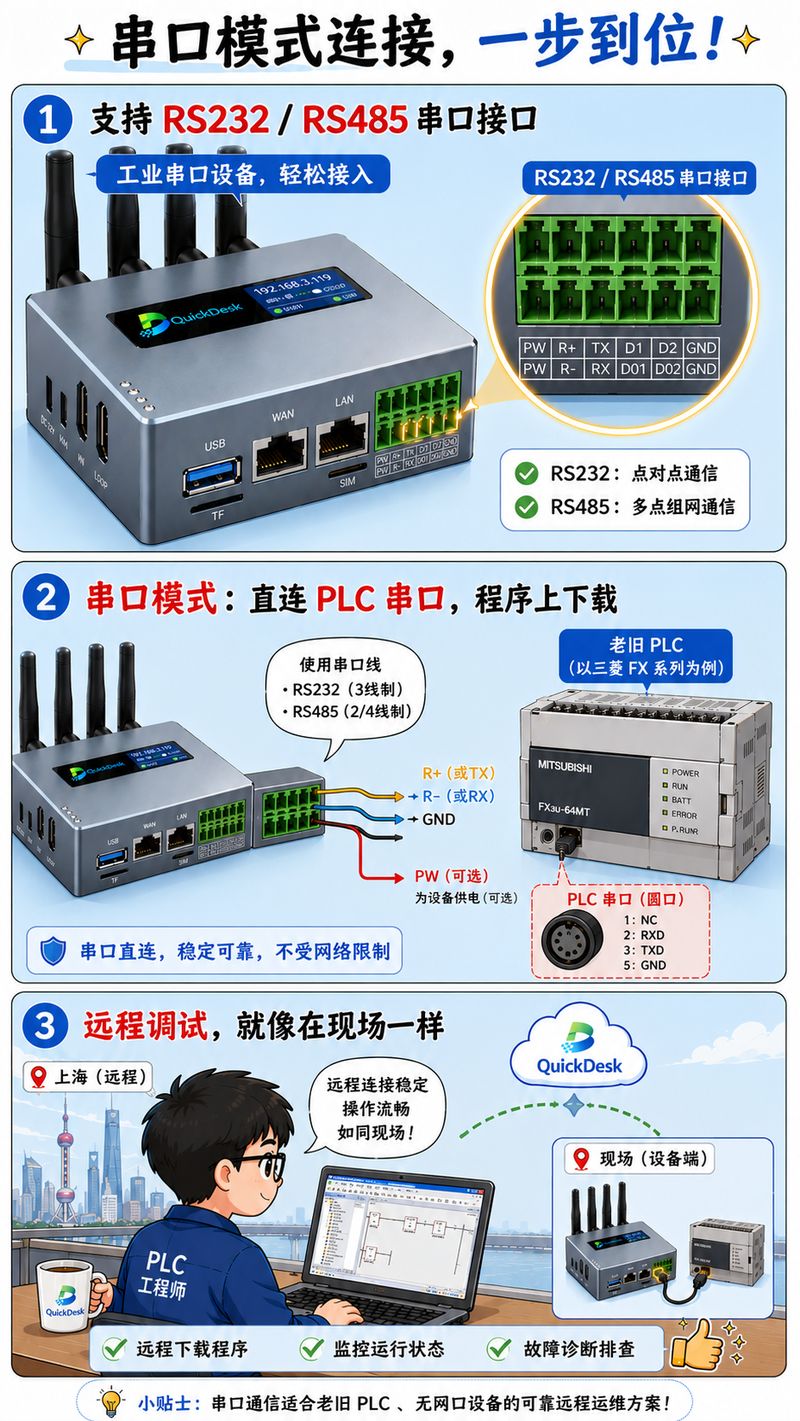
Mode 1: Serial — native RS232/RS485 direct connection

Best for: legacy PLCs with only a console port and no Ethernet port

Connection: QuickDesk (native RS232/RS485 terminals) → serial cable → PLC console port

Key advantage: native RS232/RS485 terminals — no converter needed, connect straight to the PLC's console port

Compatible brands: Mitsubishi FX series, Omron CP1E, Inovance H1U/H2U/H5U, Xinje XC series

Serial mode connection

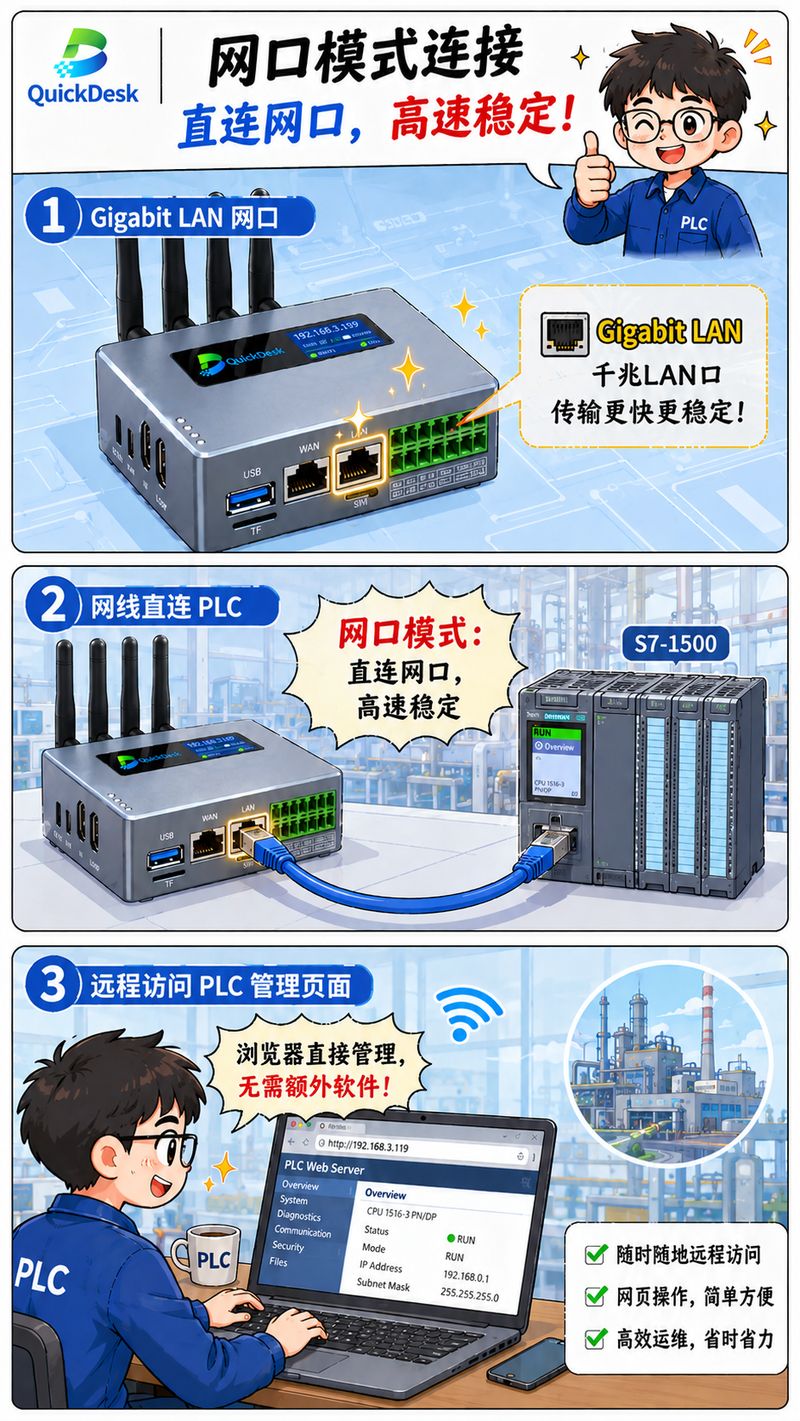
Mode 2: Ethernet — native gigabit LAN direct connection

Best for: newer PLCs with an Ethernet port

Connection: QuickDesk (native gigabit LAN port) → network cable → PLC Ethernet port

Key advantage: native gigabit LAN port, fast and stable, connect directly to the PLC's Ethernet port

Compatible brands: Siemens S7-1200/1500, Mitsubishi Q/iQ-R series, Schneider M241, ABB AC500

Ethernet mode connection

Virtual channel: zero changes to your programming software

QuickDesk provides smart link adaptation for each interface:

Serial mode: through virtual serial technology, a COM port is created on the engineer's computer. The PLC programming software talks to the remote PLC through this virtual COM port — exactly as if the PLC were plugged in locally.

Ethernet mode: through transparent data passthrough, a transparent channel is established between the engineer's computer and the remote PLC, letting TIA Portal, GX Works3, and other programming software recognize and control the remote PLC directly — no software modification needed.

What this means: programming software needs zero modification, and engineers keep their existing workflow.

Multi-brand adaptation: one platform covers all

PLC Brand Programming Software Supported Modes
Siemens TIA Portal / Micro/WIN Serial + Ethernet
Mitsubishi GX Works2/3 Serial + Ethernet
Omron CX-Programmer Serial
Schneider SoMachine / Machine Expert Ethernet
ABB Automation Builder Ethernet

Protocols supported: Modbus RTU/TCP, S7, MC, FINS, EtherNet/IP

Multi-brand compatibility


5. Pain Points Solved: Before vs. After

Pain Point Before After
High travel costs 5 hours one way, ¥3,000 a trip, ¥200,000 a year Engineers stay in the office, fixed in 30 minutes, travel cost ≈ 0
Bricked PLCs hard to revive Wait days for on-site help, huge downtime losses Physical serial channel as backstop, minute-level remote recovery
Multi-brand complexity Different specialists per brand One platform covers all major brands
Insecure VPN Excessive privileges, leak risk, failed audits ZTNA zero-trust architecture, on-demand authorization, compliance handled

Results at a glance:

Metric Traditional QuickDesk
Response time Hours to days Minutes (instant-on)
Cost per incident ¥5,000–¥30,000 ≈ 0
Multi-brand support Specialist per brand One platform for all
Security & compliance VPN over-privilege ZTNA zero trust

Before/after comparison


6. Six Core Advantages of QuickDesk

Advantage Details
Global node coverage 1,500+ access nodes worldwide, 70+ countries
Multi-network support Wi-Fi / 4G / wired triple failover, automatic switching
Zero-trust security ZTNA architecture, 8 security features
Efficient O&M 90%+ cost reduction, remote instead of travel
Multi-brand adaptation Full coverage of Siemens, Mitsubishi, Omron, Schneider, ABB and other major brands
High cost-performance Save 60%+ versus alternatives

Six core advantages


Summary

The four pain points of PLC engineers all come down to one thing: the traditional approach can't reach, can't rescue, and can't wait.

QuickDesk solves all of them with one combined hardware-plus-software package.

Serial mode plus Ethernet mode supports Siemens, Mitsubishi, Omron, Schneider, and every other major brand — legacy and new PLCs alike. The physical serial channel is the backstop: even a bricked PLC can be revived. The ZTNA zero-trust architecture takes care of security and compliance.

Better yet, one production-line rescue pays for itself.

A four-hour overnight line stop costs ¥20,000 at best and ¥100,000 at worst, while a single on-site visit easily costs ¥3,000 plus time and energy. One QuickDesk serves for years — the travel saved and downtime avoided add up to far more than its price.

From "the PLC is down, we can only wait for someone" to "fixed remotely in minutes" — this is what modern PLC maintenance should look like.


Has your plant ever struggled with PLC maintenance?

If you found this useful, share it with someone who needs it. Follow us for more hands-on industrial internet insights.

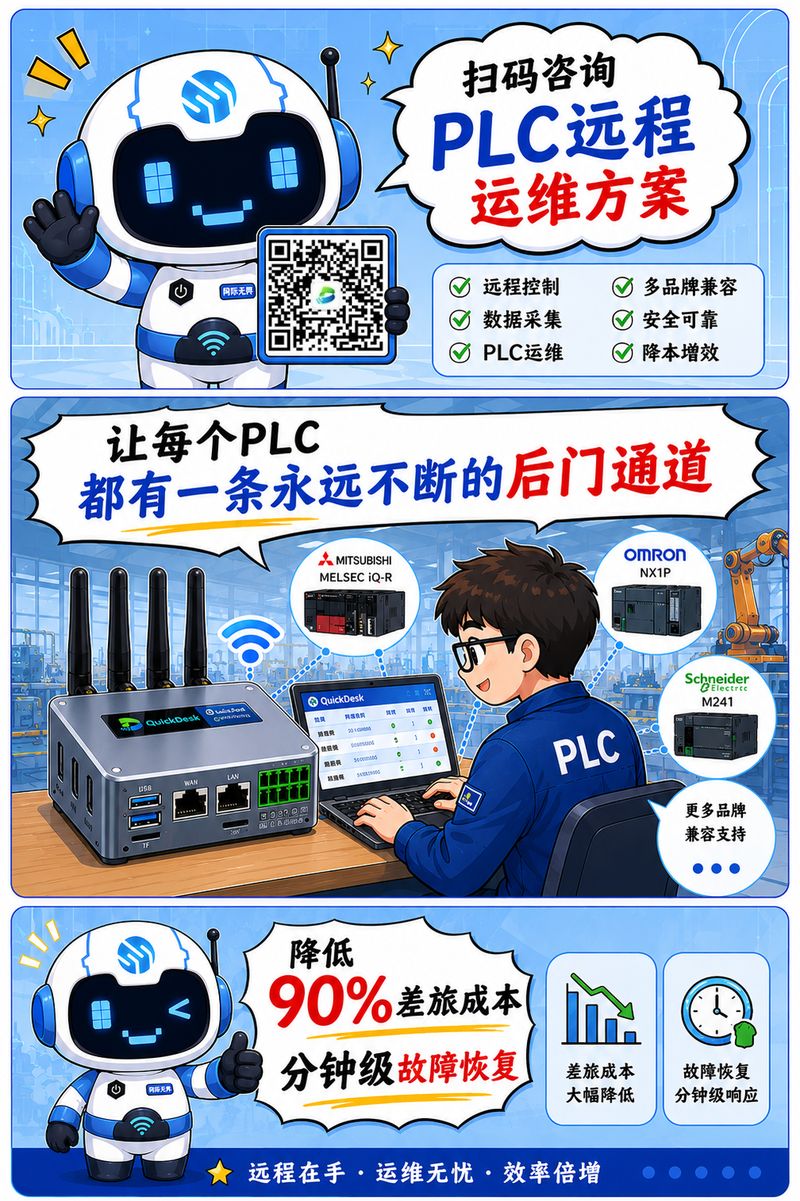
Scan to consult

Struggling with PLC remote maintenance? Scan the QR code to talk to us.

相關產品